Stripe Terminal Card Reader: How to Use It with ChargeStripe

Today using ChargeStripe
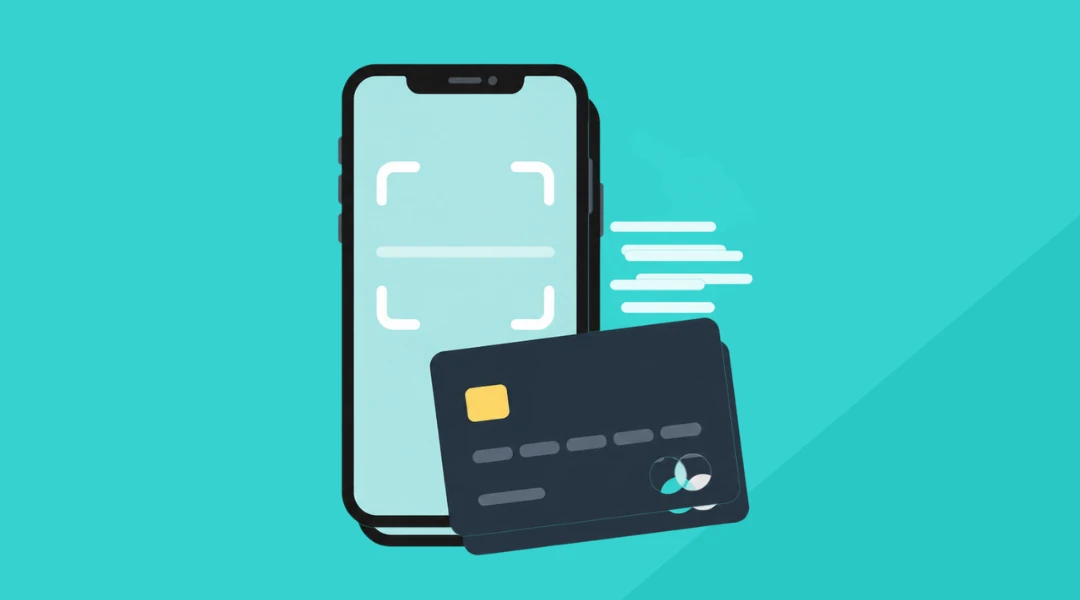
A Stripe Terminal card reader can help when you need to take payment away from your usual checkout, when a customer needs to use a physical card, or when a phone-based contactless payment is not the right fit for the amount. That could mean a hotel staff member taking payment at a service counter; it could mean a food truck accepting payment at the window. This article covers what to know about using ChargeStripe with a Stripe Terminal card reader.
What is Stripe Terminal?
Stripe Terminal is Stripe’s system for in-person payments. It includes compatible card readers and software that connects those payments to a Stripe account.
Some businesses need a full point-of-sale setup. Others want a straightforward way to take an in-person payment through their existing Stripe account. ChargeStripe provides an app-based option for using supported Stripe Terminal readers without building a custom point-of-sale system. Payment methods depend on the reader, the card and the country.
A card reader can also be useful when a customer’s card or payment amount is not a good fit for a phone-based contactless payment. Some cards and banks set contactless limits. A compatible reader may offer another way to pay, such as inserting a chip card. Available methods vary by device and location.
When a card reader can help
A mobile card reader can make it easier to take payment where the customer is, rather than sending them to a fixed checkout.

For example:
- Hotel staff can take payment at a service counter.
- A food truck can accept payment at its service window.
- A tradesperson can take payment from a customer after finishing a job.
- A retailer can accept payment at a temporary or secondary checkout.
For hospitality businesses, that could mean taking a payment at a hotel desk or another service point. For trades and other service businesses, it can mean accepting payment on site. See ChargeStripe’s pages for hotels and construction services.
How to use a Stripe Terminal reader with ChargeStripe
The exact setup depends on your reader and location. In general, you’ll need a Stripe account, the ChargeStripe app, a supported reader and a location set up in your Stripe Dashboard.

- Check that your reader is supported. Review the current ChargeStripe card reader options. Device availability can vary by country.
- Set up a location in Stripe. Add the business location you’ll use for in-person payments in your Stripe Dashboard.
- Connect the reader. Turn on Bluetooth, open ChargeStripe and choose the option to connect a card reader. Follow the prompts to pair your device and select its location.
- Take a payment. Enter the amount in ChargeStripe and tap the charge button. Ask the customer to tap, insert or swipe their card, depending on what the reader supports.
For model-specific instructions, use ChargeStripe’s Stripe Terminal setup guide.

What does it cost?
ChargeStripe charges 1.3% in addition to Stripe’s processing fees. There is no monthly ChargeStripe fee. Stripe’s rates and reader prices depend on the country, payment type and device, so check the current ChargeStripe pricing page and card reader options before buying.
For example, a standard $100 domestic in-person card payment in the United States would have a Stripe processing fee of $2.75, based on Stripe’s listed rate of 2.7% + $0.05. ChargeStripe’s 1.3% fee would add $1.30, for a combined total of $4.05. Other payment types or countries may have different rates.
Frequently asked questions
Can I use a Stripe Terminal reader with ChargeStripe?
ChargeStripe supports selected Stripe Terminal readers. Check the current card reader list for available models and country details.
Do I need a point-of-sale system?
Not every business needs a full point-of-sale setup. If you already use Stripe and want an app-based way to take in-person payments with a supported reader, ChargeStripe may fit that need.
How much does ChargeStripe charge?
ChargeStripe charges 1.3% in addition to Stripe’s processing fees. See the pricing page for current details.
Conclusion
The right way to take payment depends on the situation. A Stripe Terminal reader can work well when a customer needs to use a physical card, while ChargeStripe’s card scanner and Tap to Pay offer other options. Check which methods and devices are available in your country, then choose the setup that fits how your business serves customers. Readers can also compare Tap to Pay, card readers and card scanning.