Scan Credit Cards With Your Phone: Set Up Mobile Payments Fast
Today using ChargeStripe
Scan Credit Cards With Your Phone: Set Up Mobile Payments Fast
You can use a smartphone to accept card payments without setting up a traditional point-of-sale system.
Depending on the payment app and device, you may be able to:
- Scan card information with your phone's camera
- Accept contactless payments with Tap to Pay
- Enter card details manually
- Send a customer a payment link
For small businesses that take payments in person or on the go, these options can reduce the amount of hardware needed at checkout.
How to Scan a Credit Card With Your Phone
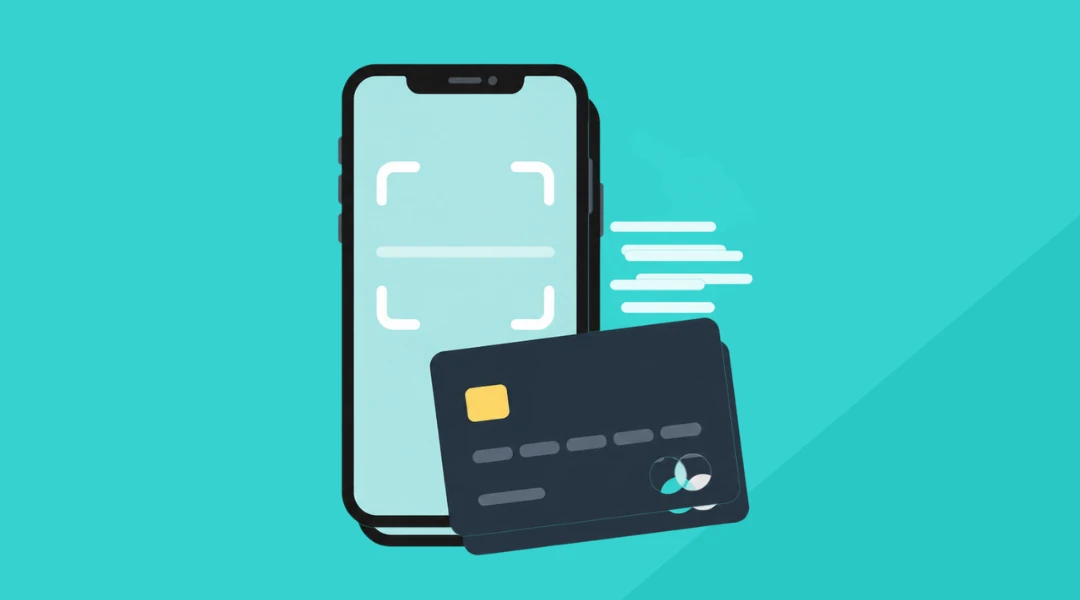
A credit card scanner app uses your phone's camera to capture information from a physical card. With ChargeStripe, the process is:
- Open the app and enter the payment amount.
- Select Card Entry.
- Choose Scan Card.
- Position the customer's card in front of the camera.
- Review the captured information.
- Complete the transaction.
This can be faster than manually entering the entire card number.
For a detailed walkthrough, see How to Easily Scan Credit Cards With Your Phone's Camera.
How Much Does It Cost?
The cost depends on the payment app and processor you use. ChargeStripe is free to download and currently charges 1.3% per transaction in addition to Stripe's processing fees. There is no ChargeStripe monthly subscription.
See current ChargeStripe pricing.
How to Scan a Credit Card on iPhone
- On iPhone, open ChargeStripe and enter the amount you want to charge.
- Choose Card Entry, select Scan Card, and position the card in front of the camera.
- Once the information is captured, review it before processing the payment. If the scan option is unavailable, check that the app has permission to access your iPhone's camera.
How to Scan a Credit Card on Android
The process on Android is similar.
- Enter the payment amount, choose Card Entry, and select Scan Card.
- Hold the card in front of the camera until the card information is captured. Review the details before completing the transaction.
Can You Scan a Debit Card With Your Phone?
In many cases, yes. ChargeStripe accepts major credit and debit cards. If the card can be read by the scanner, you can use the same process to capture its information. If the scanner cannot read the card, another payment method may be needed.
What About Tap to Pay?
Scanning the card is only one way to accept an in-person payment from a phone. Tap to Pay uses the NFC technology built into compatible smartphones. Instead of scanning the card number, the customer taps a contactless card or supported mobile wallet against the phone. ChargeStripe supports Tap to Pay on compatible iPhone and Android devices.
See ChargeStripe's Tap to Pay guidance.
Stripe also provides Tap to Pay documentation.
Scan vs. Tap to Pay vs. Manual Entry
Each option works a little differently.
Card scanning
Best when the customer has a physical card and you want to avoid entering the card number manually.
Tap to Pay
Best for fast, face-to-face transactions when the customer has a contactless card or mobile wallet.
Manual entry
Useful when scanning or contactless payment is unavailable.
Payment link
Useful when the customer is not physically present.
Do You Need a Credit Card Reader?
No, but you can use one if you want to. A physical card reader can be useful for businesses processing a high volume of payments, but it is not the only option.
Phone-based payment methods can work well for:
- Contractors
- Food and market vendors
- Caterers
- Hospitality businesses
- Pop-up retailers
- Mobile service providers
The right setup depends on where you take payments and how often you process them.
Using Your Stripe Account for Mobile Payments
If you already use Stripe, a mobile payment app can give you a simpler way to accept payments away from a computer. ChargeStripe connects to your Stripe account and provides mobile tools for card scanning, Tap to Pay, manual entry, and payment links. Stripe continues to handle the underlying payment processing.
Learn more about accepting mobile credit card payments with Stripe.
Frequently Asked Questions
Can I scan a credit card with my phone?
Yes. A supported credit card scanner app can use your phone's camera to capture card information for a payment.
Can I scan a credit card on an iPhone?
Yes. ChargeStripe includes a Scan Card option on supported iPhones.
Can I scan a credit card on Android?
Yes. ChargeStripe also supports card scanning on Android devices.
Can I scan a debit card on my phone?
Yes, if the card is supported and can be captured by the scanner.
Is Tap to Pay the same as scanning a card?
No. Card scanning uses your camera to capture card information. Tap to Pay uses NFC to accept a contactless card or mobile wallet.
Do I need a card reader?
No. Card scanning, Tap to Pay, manual entry, and payment links can all provide alternatives to a separate reader.