Comparison
Tap to Pay vs. Card Reader: Which Is Better for Your Business?
Tap to Pay lets you accept contactless payments using a compatible iPhone or Android phone. A card reader is a separate device that can provide a dedicated checkout point and, depending on the model, support card insertion and PIN entry.
The right option depends on how and where you take payments. If you want to accept contactless payments on the move or open another checkout point, Tap to Pay can be a good fit. If you need a dedicated device at a regular checkout, a card reader may suit you better. Some businesses use both.
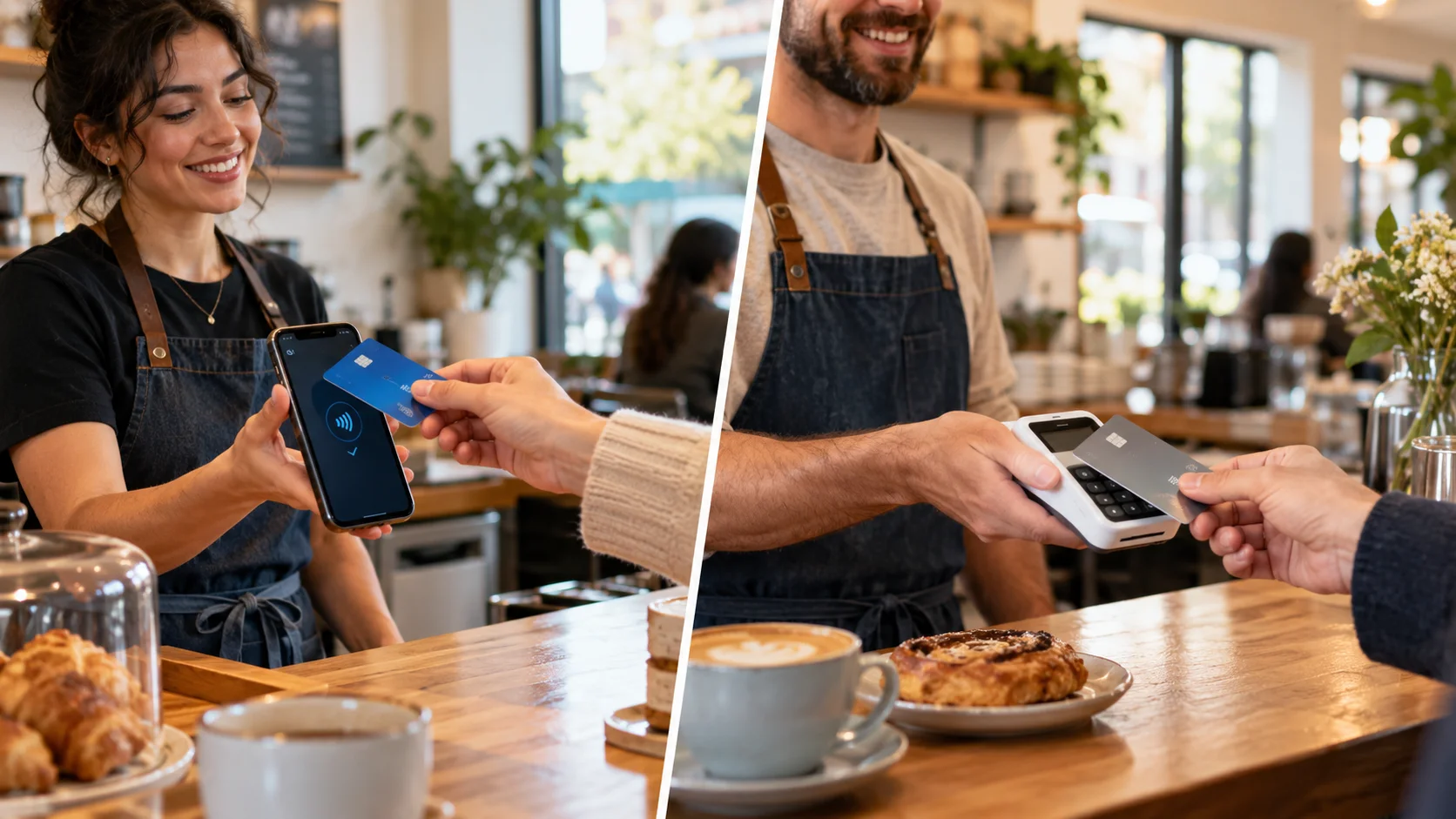
Tap to Pay vs. card reader at a glance

What is Tap to Pay?
Tap to Pay turns a compatible phone into a contactless payment device. A customer taps a contactless card or pays with their phone using a supported digital wallet.
For the business, that means one less device to carry, charge, and keep track of. Staff can take payments where the customer is, rather than directing everyone to a single checkout point. Tap to Pay availability and device requirements depend on the payment provider, phone, and country.
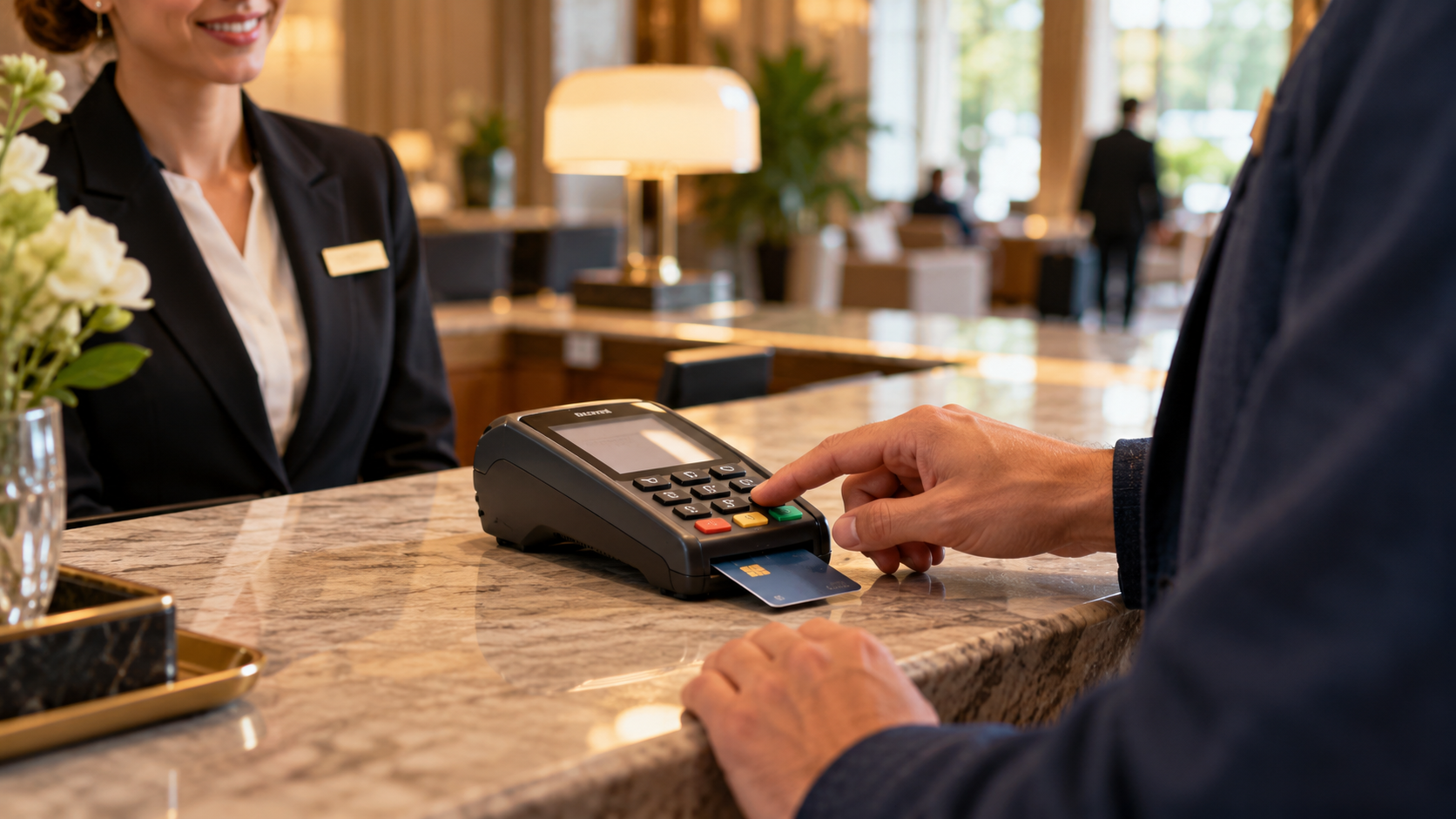
What is a card reader?
A card reader is a separate device used to accept in-person payments. Customers can tap a contactless card or phone, and many reader models also let them insert a card and enter a PIN.
A reader can work well at a fixed checkout, such as a hotel reception desk or shop counter. It can also be shared by staff who take payments at the same location. The payment methods available depend on the reader model and payment setup.
When Tap to Pay is a good fit
Tap to Pay turns a compatible phone into a contactless checkout point, without carrying a separate reader.
You need to keep checkout moving
If one payment point is getting backed up, an authorized team member can take contactless payments on their own phone. That can open another checkout point without adding a dedicated reader to every station.
You work on the go
For tradespeople and other mobile businesses, pay by phone means one less piece of equipment to bring, charge, and keep track of at each job.
You want a simple contactless option
Customers can tap a contactless card or pay with their phone using a supported digital wallet, while you take the payment on your device.
When a card reader is a better fit
A card reader may be the better choice when your checkout needs a dedicated device or a way to accept an inserted card.
You have a regular checkout area
Keep a reader ready at reception, a counter, or a front desk.
A customer needs chip and PIN
Some payments require extra verification. A compatible reader lets the customer insert their card and enter a PIN when needed.
Your team shares one checkout
A reader can stay set up at a central point of sale for staff to use throughout the day.
Reader models support different payment methods. See supported card readers to find one that fits your setup.
You can use both
A reader can stay at your main checkout while staff use Tap to Pay on their phones when service happens elsewhere.
At a hotel or resort, for example, keep a reader at reception for check-in and chip-and-PIN payments. Authorized staff can use Tap to Pay on their own phones for contactless payments by the pool, at the bar, or during an event. Guests have another place to pay, and staff don’t need to bring a separate reader wherever service takes them.

How pricing compares
Tap to Pay avoids the cost of buying a separate reader. A card reader adds a hardware cost, which varies by model. Both options may also have payment-processing fees.
With ChargeStripe, the app fee is 1.3% in addition to Stripe’s processing fees. There’s no monthly ChargeStripe fee. If you use a reader, include the cost of the device when comparing your setup costs.
Frequently asked questions
Does Tap to Pay have a purchase limit?
There isn’t one maximum amount that applies to every Tap to Pay payment. Whether a payment goes through can depend on the card, issuer, payment setup, and local rules. A payment may require PIN entry or another form of verification.
For businesses taking larger payments, it helps to have another way to collect payment available if a tap isn’t suitable.
Can I take a larger payment with ChargeStripe?
If Tap to Pay isn’t the right option for a payment, ChargeStripe also lets you scan or manually enter card details for an in-person payment, or send an invoice or payment link for the customer to pay online. Payment approval still depends on the card issuer and payment setup.
Can customers pay with their phone?
Yes. Customers can use a supported digital wallet, such as Apple Pay or Google Pay, wherever the payment setup accepts it. Tap to Pay describes how your business takes the payment: the customer taps their card or phone on your compatible device.
Does Tap to Pay work on iPhone and Android?
Tap to Pay is available on compatible iPhone and Android devices, depending on the payment provider and market. Check that your phone, operating system, and payment app support Tap to Pay before relying on it for checkout.
Which should I choose?
Choose Tap to Pay if you want to take contactless payments on a compatible phone, add flexible checkout points, or accept payments while working on the go.
Choose a card reader if you want a dedicated device at a regular checkout or need a reader that supports inserted-card and PIN payments.
If you need both a fixed checkout and the flexibility to take payment elsewhere, you can use a reader and Tap to Pay together.
Take payments where your business needs them. With ChargeStripe, connect your Stripe account and accept payments using Tap to Pay, a compatible card reader, or other payment options.
Accept Payments
on your phone Today


