5 Tools You Need for Running a Bed and Breakfast or Serviced Apartment

Today using ChargeStripe
A guest books online, asks a question about check-in, and wants to pay the balance when they arrive. Meanwhile, a room needs cleaning before the next guest checks in. If you run a bed and breakfast or serviced apartment, these details can pile up fast.
These five tools can help you keep bookings, payments and day-to-day tasks organized.

1. A way to take guest payments
Guests may pay a deposit when they book, settle the balance on arrival, or pay for an extra service during their stay. Your payment setup should cover the ways you actually collect money.
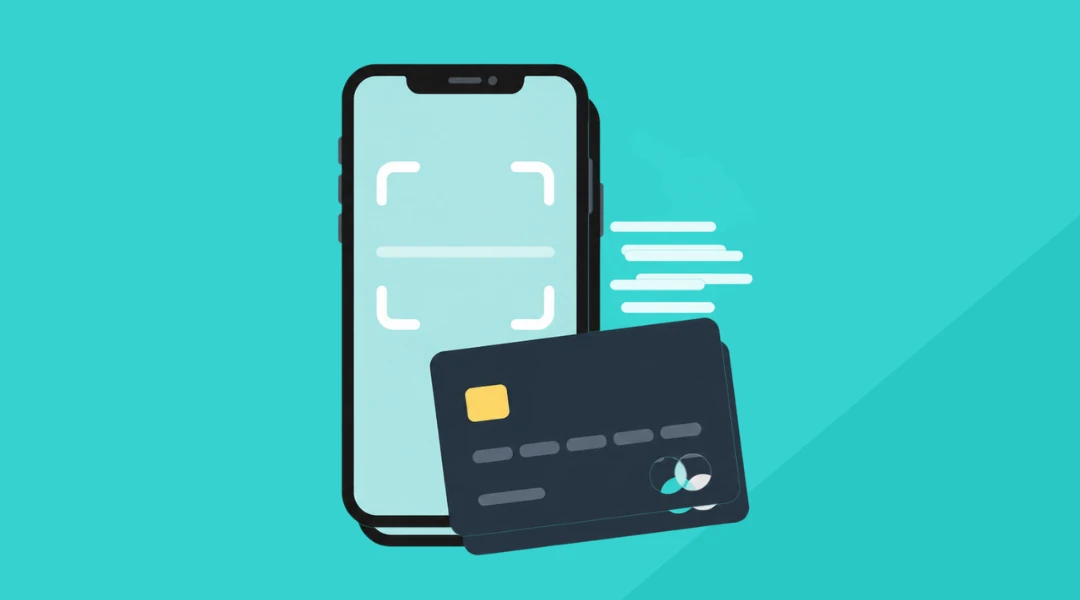
ChargeStripe connects to your Stripe account. You can send a payment link or invoice, or take an in-person payment with Tap to Pay, a supported card reader or the card scanner. Available options depend on your device and country.
ChargeStripe charges 1.3% in addition to Stripe’s processing fees. There is no monthly ChargeStripe fee. Check the current pricing before choosing a payment setup. ChargeStripe handles payments. You’ll still need a booking system to manage reservations.
2. A booking calendar or property management system
A booking calendar shows which rooms are available and when guests are arriving and leaving. If you list rooms on several booking sites, look for a property management system that syncs availability across those channels. That can help prevent double bookings.
For a small B&B, a basic system may be enough. A larger serviced-apartment business may need room for more listings, staff access and guest records.
3. Guest messaging and check-in instructions
Guests often ask the same questions: When can I check in? Where should I park? How do I get inside?

A messaging tool can send booking confirmations, arrival details and checkout instructions automatically. Keep the messages clear and personal. Guests should still know how to reach someone if their plans change or something goes wrong.
4. A housekeeping checklist
A room may need cleaning, fresh linens, restocking and a final inspection between guests. A shared checklist helps everyone see what is done and what still needs attention.

You can start with a simple digital checklist. Add a task app if you need to assign work across several rooms or staff members. Include a way to report maintenance issues, so a small repair does not get missed between stays.
5. Bookkeeping software
Track room revenue, payment fees, cleaning costs, supplies and repairs throughout the year. Bookkeeping software can help sort transactions and prepare records for tax time.
Reconcile your payment reports with your bank statements. This makes it easier to spot missing payouts, refunds or fees that need a closer look.
Start with the task that causes the most friction
You may not need five new subscriptions. If bookings are getting mixed up, start with a better calendar. If it’s hard to collect balances or deposits, review your payment options. Choose tools that fit the size of your property and the way you work.
For more on in-person payments for hospitality businesses, see ChargeStripe for hotels.