The Best Mobile Card Readers for Small Businesses

Today using ChargeStripe
A mobile card reader helps small businesses accept payments away from a traditional checkout counter. Some options use a separate reader. Others let you accept contactless payments with a compatible phone.
The right choice depends on how you take payments, what other tools you use, and how fees fit your budget. This guide compares ChargeStripe, Stripe Terminal, Square, and Shopify POS.
Quick comparison
| Option | How it works | Best fit |
|---|---|---|
| ChargeStripe | Accept payments through the ChargeStripe app with Stripe. Use Tap to Pay on a compatible phone, scan or enter card details, or connect a supported reader. | Small businesses that want mobile payments connected to a Stripe account |
| Stripe Terminal | Use Stripe-compatible card reader hardware with a Stripe account. | Businesses that want dedicated readers and Stripe’s in-person payment tools |
| Square | Use Square’s point-of-sale app and compatible Square hardware. | Businesses that want payments and point-of-sale tools in one system |
| Shopify POS | Connect in-person sales with a Shopify store and its product catalog. | Retailers that already manage products and online sales through Shopify |
Hardware availability, processing rates, and supported payment methods vary by country. Check each provider’s current local pricing before choosing a system.
What is a mobile card reader?
A mobile card reader is a payment tool for accepting in-person card payments without relying on a fixed checkout terminal. Depending on the provider, it may be:
- A small reader that connects to a phone or tablet
- A standalone or smart terminal
- A compatible phone that accepts contactless payments through Tap to Pay
- A payment app that supports card scanning or manual card entry
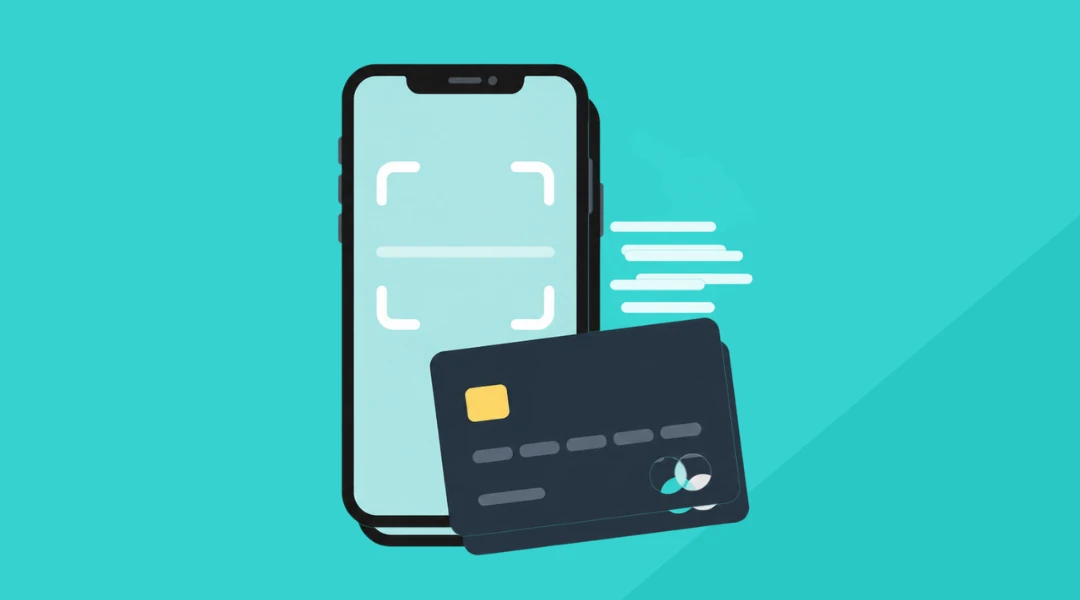
These methods are different. Tap to Pay uses a phone’s NFC capability to accept contactless cards and wallets. Scanning a card uses the phone’s camera to capture card details. Scanning is not the same as contactless payment.
A business that takes payments at a customer’s home, market stall, hotel lounge, or service counter may need a different setup from a retailer with a permanent checkout.

1. ChargeStripe
ChargeStripe connects with a Stripe account and lets a business accept payments through the ChargeStripe mobile app. Depending on the device, country, and payment method, options include Tap to Pay, card scanning, manual entry, payment links, and compatible Stripe Terminal readers.
It can work for businesses that need to take payments on the go. That includes tradespeople, home service providers, market sellers, and hospitality teams that take payments away from a fixed desk.
Features
- Accept payments through the ChargeStripe app
- Use Tap to Pay on compatible iPhone or Android devices
- Scan card details with a phone camera or enter them manually
- Use supported Stripe Terminal readers when a physical reader is a better fit
- Connect payments to a Stripe account
Tap to Pay requires a compatible device and must be available in the business’s country. Check device and country requirements before relying on it.

Pricing
ChargeStripe charges 1.3% in addition to Stripe’s processing fees. ChargeStripe does not charge a monthly app fee. Stripe’s processing fees vary by country, card type, and payment method.
For example, Stripe lists a US domestic card-present rate of 2.7% plus $0.05 per successful transaction. On a $100 eligible card-present payment, Stripe’s fee would be $2.75. ChargeStripe’s 1.3% app fee would add $1.30, for an estimated combined fee of $4.05. This is a US example. The actual rate depends on the Stripe account’s country and the transaction details.
For current ChargeStripe pricing, see ChargeStripe pricing. For current Stripe rates, see Stripe pricing.
Best for
ChargeStripe may suit a small business that already uses Stripe or wants a mobile payment app connected to Stripe. A physical reader is optional for some payment methods. Tap to Pay and card scanning have different requirements and should be described separately.
2. Stripe Terminal
Stripe Terminal combines Stripe payment processing with compatible card reader hardware. It can help businesses manage online and in-person payments through Stripe.
Stripe offers different reader types, including compact mobile readers and countertop devices. Reader availability and pricing vary by country and model. For example, Stripe lists the BBPOS WisePad 3 at CA$79 on its Canadian product page. Check the Stripe Terminal devices page for current models and availability.
Best for
Stripe Terminal may suit businesses that need a dedicated reader and already use Stripe. It can be useful for fixed checkout areas, mobile sales, and businesses that want in-person payments connected to their Stripe setup.
3. Square
Square provides point-of-sale software and compatible hardware. Its options range from a reader that connects to a mobile device to more complete terminals and registers.
Square’s processing rates and hardware options depend on the country and product. Check Square’s current local pricing and product pages before comparing total costs.
Best for
Square may suit businesses that want payment acceptance and point-of-sale features from one provider. Review the included hardware, payment methods, and software features to make sure they fit the way your business operates.
4. Shopify POS
Shopify POS connects in-person sales with a Shopify store. Retailers can manage products and sales through Shopify, with supported hardware depending on the market and setup.
Best for
Shopify POS may suit a retailer that already uses Shopify for online sales and wants to manage in-person sales through the same system. Check Shopify’s current regional hardware and plan details before choosing a reader.
How to choose a mobile card reader
Compare more than the price of the reader. Consider:
- Where you take payments: At a counter, at a customer’s home, at a market, or across a hotel or hospitality space
- Payment methods: Contactless cards, mobile wallets, chip cards, card scanning, or manual entry
- Device compatibility: Confirm that your phone or tablet supports the payment method and app
- Processing costs: Compare app fees, processor fees, transaction fees, hardware costs, and any monthly plan
- Existing tools: Consider whether you already use Stripe, Square, or Shopify
- Receipts and records: Check how each option handles customer receipts, transactions, and reporting
- Connectivity: Confirm what internet or mobile connection the reader needs
Businesses in the trades may want to take payment immediately after a job instead of sending a separate invoice. See payment options for construction services and general service businesses.
Hotels and other hospitality businesses may need staff to accept payment away from the front desk. See payment options for hotels.

How to accept a payment with ChargeStripe
To get started with ChargeStripe:
- Create or connect a Stripe account.
- Download the ChargeStripe app on a compatible iPhone or Android device.
- Choose the payment method available for your device and location.
- Enter the amount and complete the payment.
- Send or provide the customer with a receipt.
For Tap to Pay, use a supported phone and accept a contactless card or wallet. For card scanning, use the camera to capture the card details. If you use a physical reader, follow its pairing and setup instructions.
Frequently asked questions
Can I use my phone as a mobile card reader?
Yes. Some payment apps support Tap to Pay on compatible phones. Other apps let you scan card details with the camera or enter them manually. These are separate payment methods, and availability depends on the device, country, and provider.
Does ChargeStripe require a physical card reader?
Not for every payment method. ChargeStripe supports options such as Tap to Pay on compatible devices and card scanning through the app. A supported physical reader is another option for businesses that prefer dedicated hardware.
How much does ChargeStripe cost?
ChargeStripe charges 1.3% in addition to Stripe’s processing fees. There is no monthly ChargeStripe app fee. Stripe processing fees depend on the account’s country, card type, and payment method.
What is the difference between Tap to Pay and card scanning?
Tap to Pay accepts contactless cards and digital wallets through a compatible phone’s NFC capability. Card scanning uses the phone’s camera to capture the card details. Scanning is not a contactless NFC payment.
What is the best mobile card reader for a small business?
The best option depends on how and where the business accepts payments. Compare payment methods, hardware, device compatibility, existing software, and total processing costs before choosing.