Take card payments on your phone.
Connect your existing Stripe account to ChargeStripe on iPhone or Android.
1.3% per payment plus Stripe fees. No monthly fee.
Scan to download
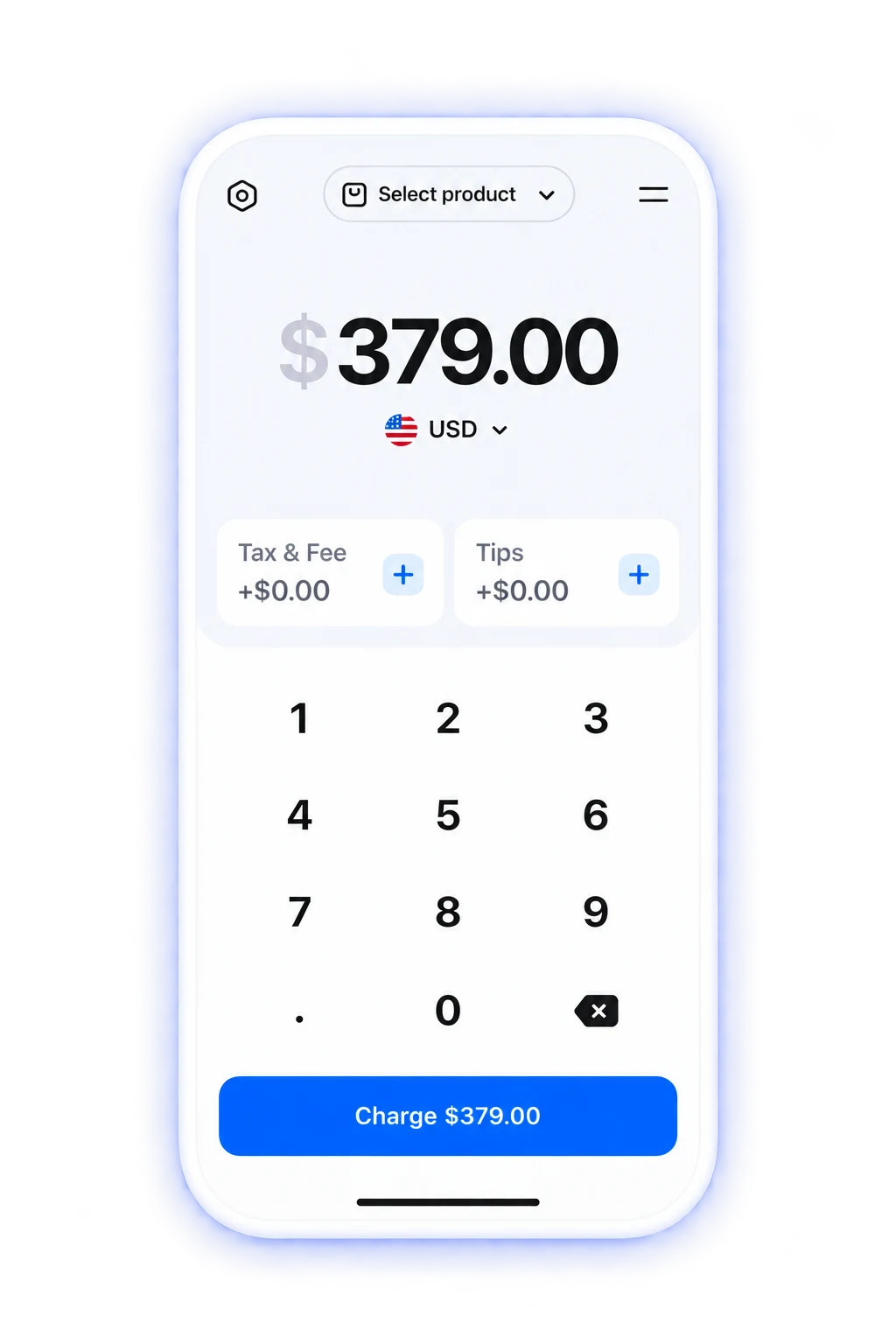
Your first payment with ChargeStripe
Connect your Stripe account
Open ChargeStripe and sign in to connect your account.
Enter the amount
Set the amount and choose Tap to Pay.
Ask your customer to tap
Your customer holds their contactless card or wallet near your supported phone.
Choose how you get paid

Tap to Pay
Accept contactless cards and digital wallets.

Scan or enter a card
Capture card details with your phone’s camera.

Payment links
Send a link to take a payment remotely.

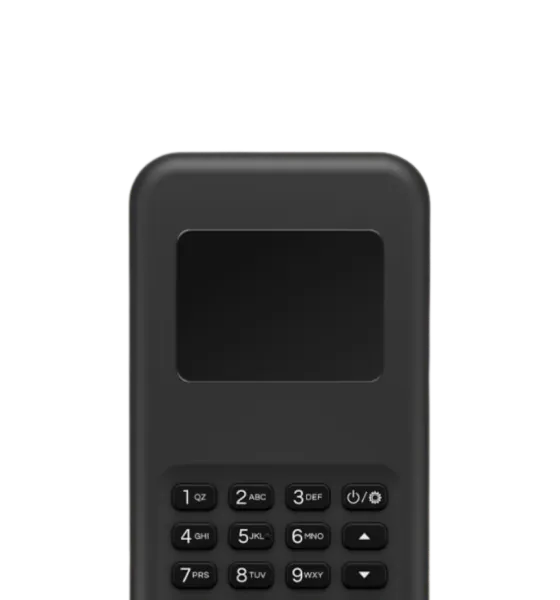
Card readers
Connect a supported Stripe Terminal reader.
Do I need a card reader?
No. A supported phone is enough to take contactless payments. Add a compatible reader if you also want to accept chip cards.
Use your phone
Take contactless payments with Tap to Pay on a supported iPhone or Android phone.
Check devices and countries ›Connect a reader
Accept chip cards with a compatible reader. Hardware is sold separately.
What does a payment cost?
$1.30 ChargeStripe fee on a $100 payment
Stripe processing fees are additional.
See pricing calculator ›“Works great! Very easy to use and practical for everyday use.”
Justin Gauthier
Ready to take your first payment?
Scan to download
